1 Month
per month - try it risk-free
1 connection
Best for testing Melbourne IPTV on your main device before committing longer.
- Live TV, sport, movies and series
- Full VOD library access
- 4K-ready streams where available
- WhatsApp setup support
Melbourne IPTV for Australia
Set up IPTV on Smart TV, Firestick, Android TV, Apple TV, mobile, tablet, or laptop with clear WhatsApp support from Melbourne IPTV. Get plan guidance, device instructions, and practical streaming help for Australian connections.
Plan options
All plans include live TV, sport, movies, series, full VOD library, 4K-ready quality where available, and free support. Prices are shown in Australian dollars.
per month - try it risk-free
1 connection
Best for testing Melbourne IPTV on your main device before committing longer.
A$13.33 / month - save 22%
1 connection
A balanced plan for homes that already know IPTV works well on their connection.
A$7.50 / month - save 56%
1 connection
The best-value single connection plan for ongoing IPTV Australia viewing.
12 months - 2 connections
2 connections
Made for households that want two active screens covered for a full year.
Fair-use, device compatibility, and authorised-content terms apply. Melbourne IPTV confirms activation details through WhatsApp before setup.
Sport nights
Peak-time sport asks more from your Wi-Fi, device, and app than ordinary viewing. Melbourne IPTV helps you set the right player, quality setting, and connection path so your IPTV Australia setup is ready before the match starts.
Why Melbourne IPTV
Most IPTV frustration comes from unclear instructions, the wrong app, weak Wi-Fi, or vague plan details. This theme is built around solving those problems before they become support tickets.
Get the right app, playlist format, and device instructions without guessing through generic tutorials.
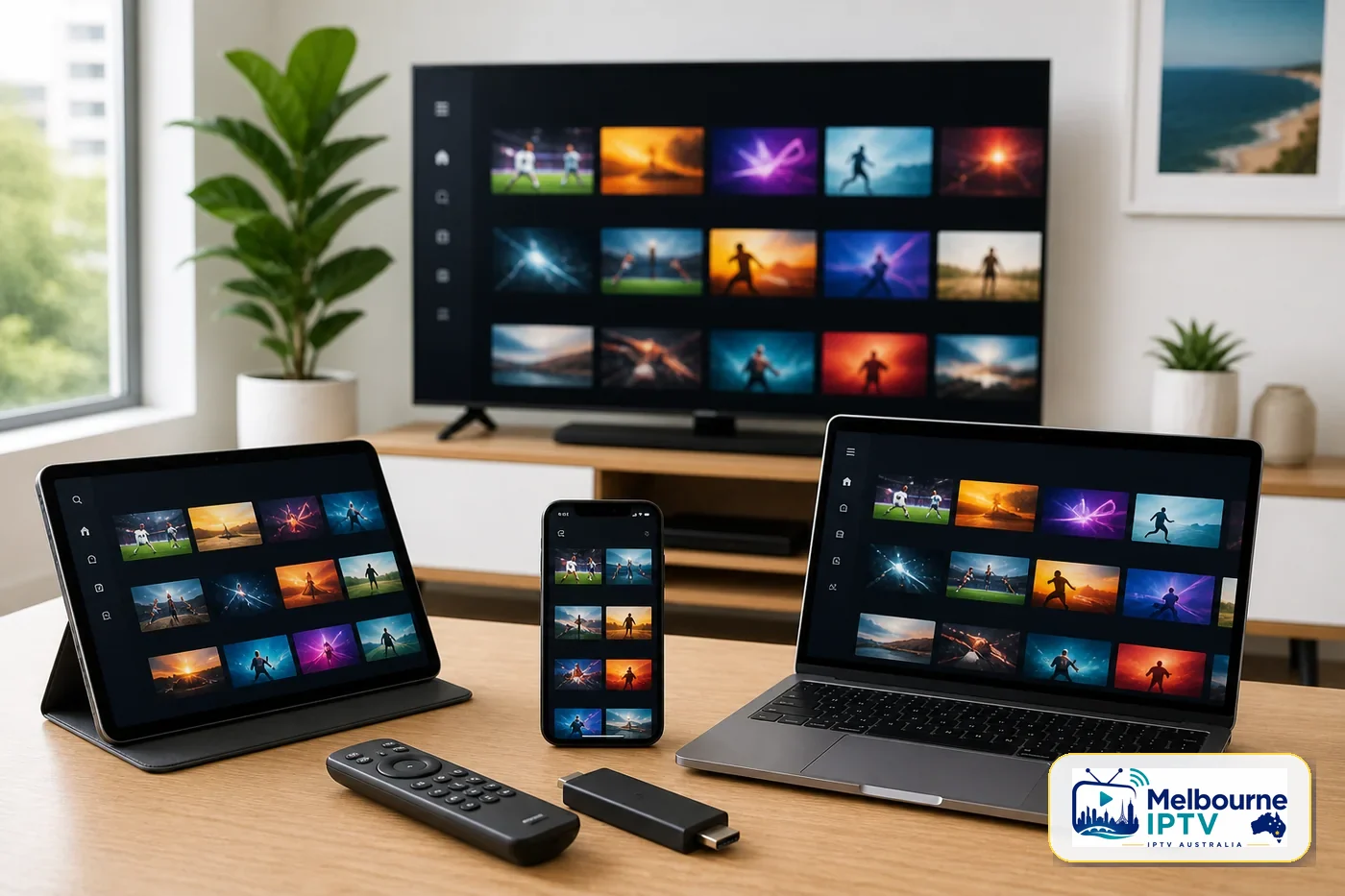
Smart TV, Fire TV Stick, Android TV, Apple TV, mobile, tablet, laptop, and many IPTV-ready boxes.
Clear reminders to use IPTV only for content and streams you are authorised to access in Australia.
Practical tips for Wi-Fi placement, app settings, and speed targets for HD and 4K-ready viewing.
Ask questions through WhatsApp and get direct support for your device, app, and home setup.
Organise live TV, sport, movies, series, family viewing, and international content through a clean IPTV app experience.
How it works
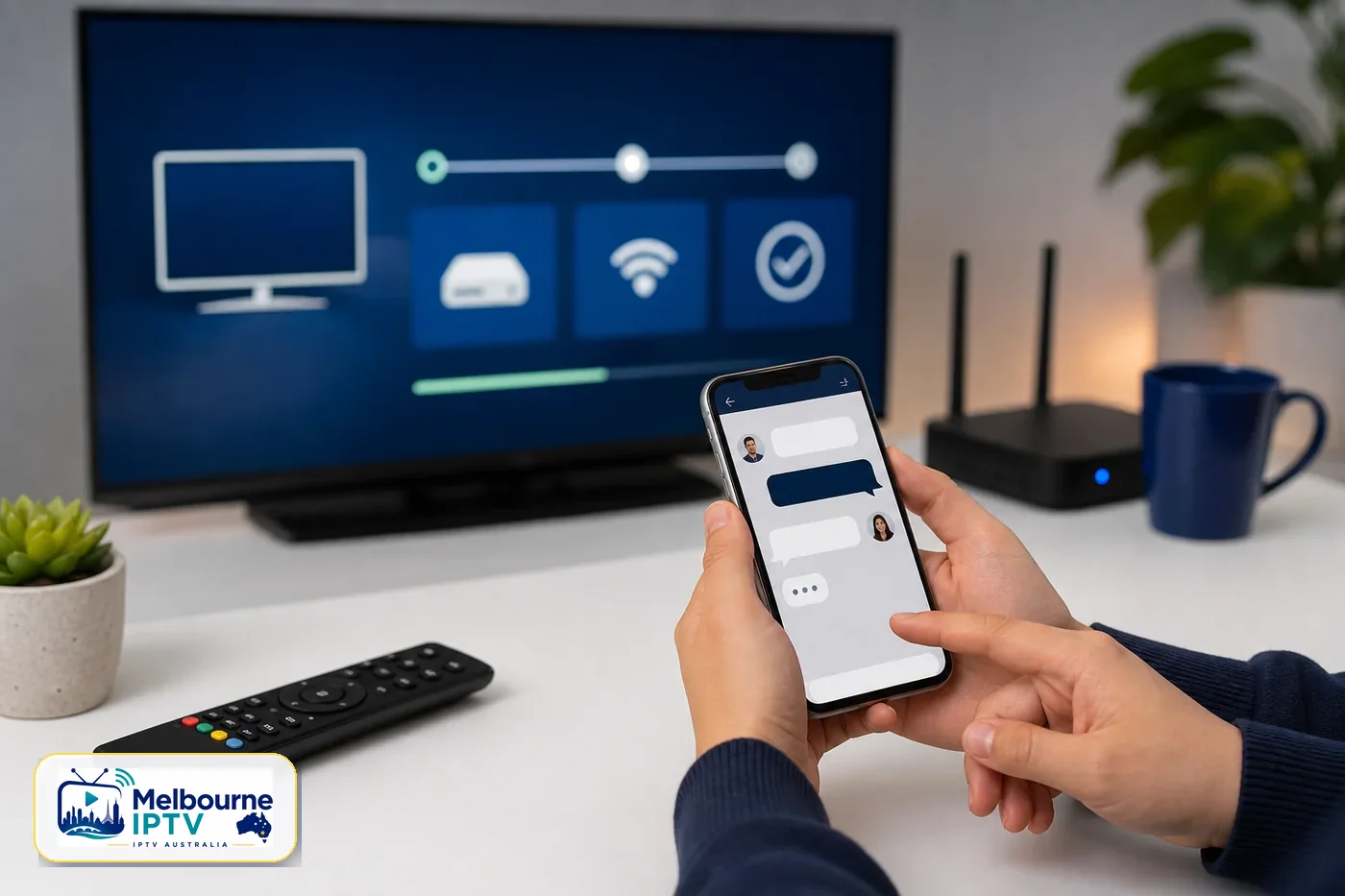
Tell us your device, internet type, and what you want to watch so support can recommend the right setup path.
Current plan pricing is confirmed in writing through WhatsApp before you pay or activate anything.
Follow the device-specific instructions for Smart TV, Firestick, Android TV, Apple TV, mobile, or desktop.
Load your credentials, check stream quality, and ask support for tuning help if your Wi-Fi or app needs adjustment.
Device compatibility
Melbourne IPTV helps you match your device to a compatible IPTV player, then sends clear steps for login, playlist loading, EPG setup where available, and basic troubleshooting.
Entertainment
Content availability depends on your selected plan and rights. The goal is simple: a clean, organised setup that makes authorised streaming easier to enjoy.
Live sport
Movies and series
Multi-device
Support that respects your time
Tell us your device and Melbourne IPTV will guide you through the right app path. If something looks wrong, support can help check the playlist format, login details, network speed, and basic app settings.
Compare
IPTV is not the right fit for everyone. This comparison helps Australian viewers decide whether app-based streaming suits their home.
| Feature | Melbourne IPTV | Traditional bundle |
|---|---|---|
| Installation | Guided remote setup | Often needs hardware or technician visits |
| Devices | Smart TV, mobile, laptop, and streaming devices | Usually tied to a set-top box or app ecosystem |
| Flexibility | Plan options confirmed before activation | Contracts, bundles, or package changes may apply |
| Support | WhatsApp and email setup help | Call centres or ticket queues |
| Best fit | Viewers comfortable with app-based streaming | Viewers who prefer a fully managed provider bundle |
Local relevance
Melbourne IPTV serves viewers across Australia while keeping setup language local: NBN, 5G home internet, apartment Wi-Fi, lounge room Smart TVs, and busy sport nights. Customers in Melbourne CBD, Docklands, Southbank, Richmond, St Kilda, Brunswick, Footscray, Carlton, and beyond can ask for help matched to their device and connection.
The service area label is Melbourne VIC 3000, Australia, with online support available for compatible devices nationwide.
FAQ
IPTV is a delivery technology, not automatically illegal. The important part is whether the content you access is authorised for streaming. Melbourne IPTV supports lawful use and does not claim affiliation with broadcasters, sports leagues, or streaming platforms unless stated in writing.
For stable HD viewing, aim for at least 15 Mbps on the device you use. For 4K-ready streams, 25 Mbps or higher is recommended, especially on busy home Wi-Fi networks.
Melbourne IPTV can guide setup on Smart TV, Android TV, Fire TV Stick, Apple TV, iPhone, iPad, Android mobile, Windows, Mac, MAG-style boxes, and many IPTV player apps.
Most customers can start once their plan is confirmed and the correct app is installed. Support sends device-specific instructions through WhatsApp so you are not left guessing.
Yes. Contact Melbourne IPTV through WhatsApp or email for setup help, app guidance, and troubleshooting. Response times can vary during peak sport and evening periods.
Yes. The service is built for viewers across Australia, with Melbourne as the local service base. Performance depends on your internet connection, device, app, and content rights for your selected plan.
Ready when you are
Send your device model and what you want to watch. You will get current plan details, setup guidance, and honest next steps before activation.
Message Melbourne IPTV